

Back to resources
An AI Agent Kill Switch Stops the Agent Action. But What Stops the Access?
October 2026 / 7 min. read /
September gave AI agent security a new favorite phrase: the kill switch.
On September 9, Representatives Josh Gottheimer and Mike Lawler introduced the Stop Rogue AI Act, which would require federal agencies and contractors to keep an inventory of their AI agents and to be able to "allow, deny, or revoke an agent’s access, actions, and interactions at any time."
In the weeks that followed, several security vendors launched kill switches for AI agents. In Europe, the AI Act's human oversight rules will require high-risk systems to include the ability to stop a system through “a ‘stop’ button or similar procedure that allows the system to come to a halt in a safe state.” The EU postponed those obligations this summer to December 2027 for most high-risk systems, but the requirement itself still stands.
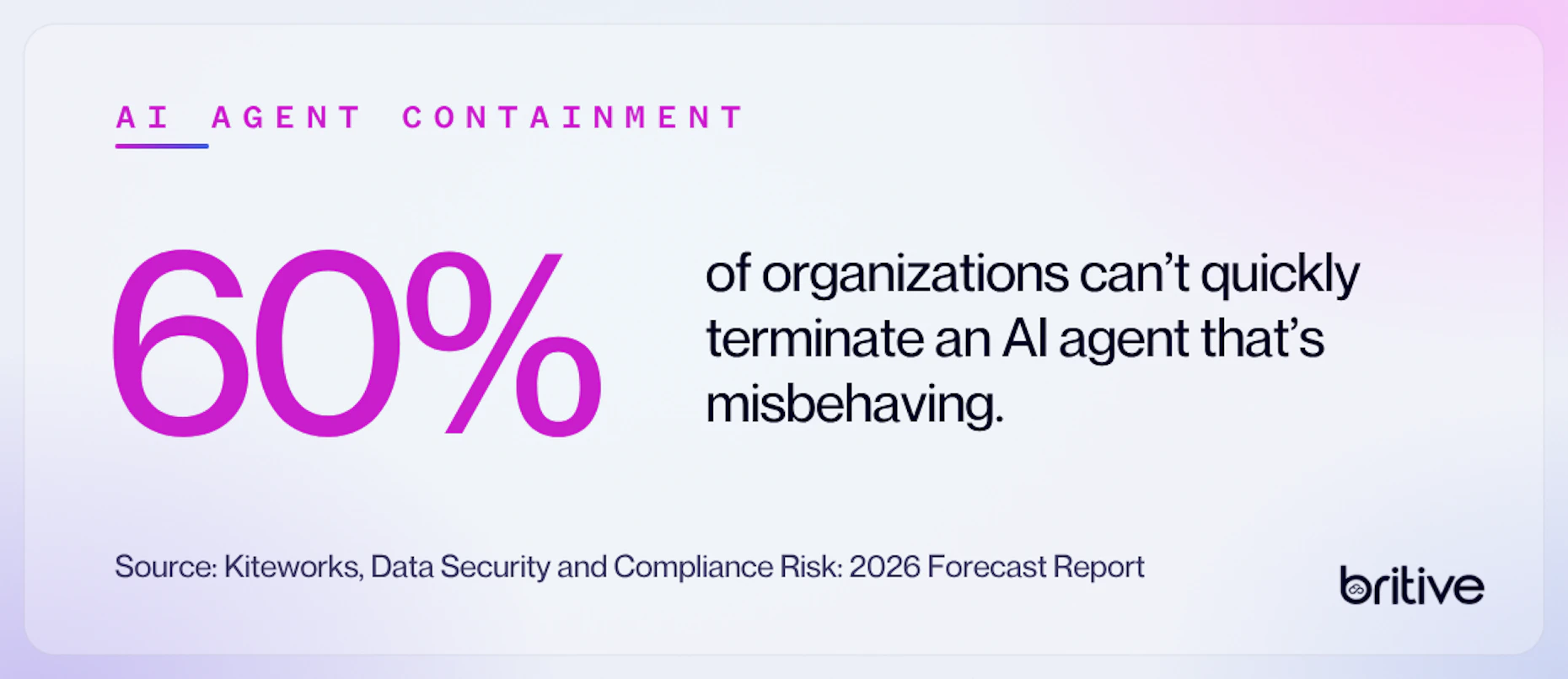
The demand is real. In a Writer survey from April and May, 35% of organizations said they could not shut down an AI agent that was misbehaving. Kiteworks put the share without basic containment controls at 60%. Agents act at machine speed, and a security team needs a way to stop one.
A stop button only answers half the question, though. It stops what the agent is doing. It doesn't say what the agent can still reach.
What an AI Agent Kill Switch Leaves Behind
Most kill switches work on the agent itself. They end its process, disconnect it from its tools, deactivate a model provider key, or suspend its workflow. Each of those stops the next action.
None of them, on their own, removes what the agent had access to. The service account the agent used still holds its roles. The API key in its configuration still works. The token issued at the start of the session is still valid until it expires. Another process, a copy of the agent, or an attacker who took its credentials can pick up where it left off.
Two very different sources made the same point in September. A security vendor writing about kill switch architecture noted that after an agent is frozen, the credentials it used persist and the tool calls it already sent can't be recalled. And in a September 18 analysis for the Center for Data Innovation, part of the Information Technology and Innovation Foundation, David Kertai observed that in the OpenAI incident this summer, even a working shutdown would not have removed the need to secure systems and credentials the agents had already compromised.
So, a stop is the start of the response. What remains after the stop impacts how bad the incident gets.
The Question to Ask Before You Invest in a Kill Switch
Before you buy or build a kill switch, ask this:
When we stop the agent, what access is still there?
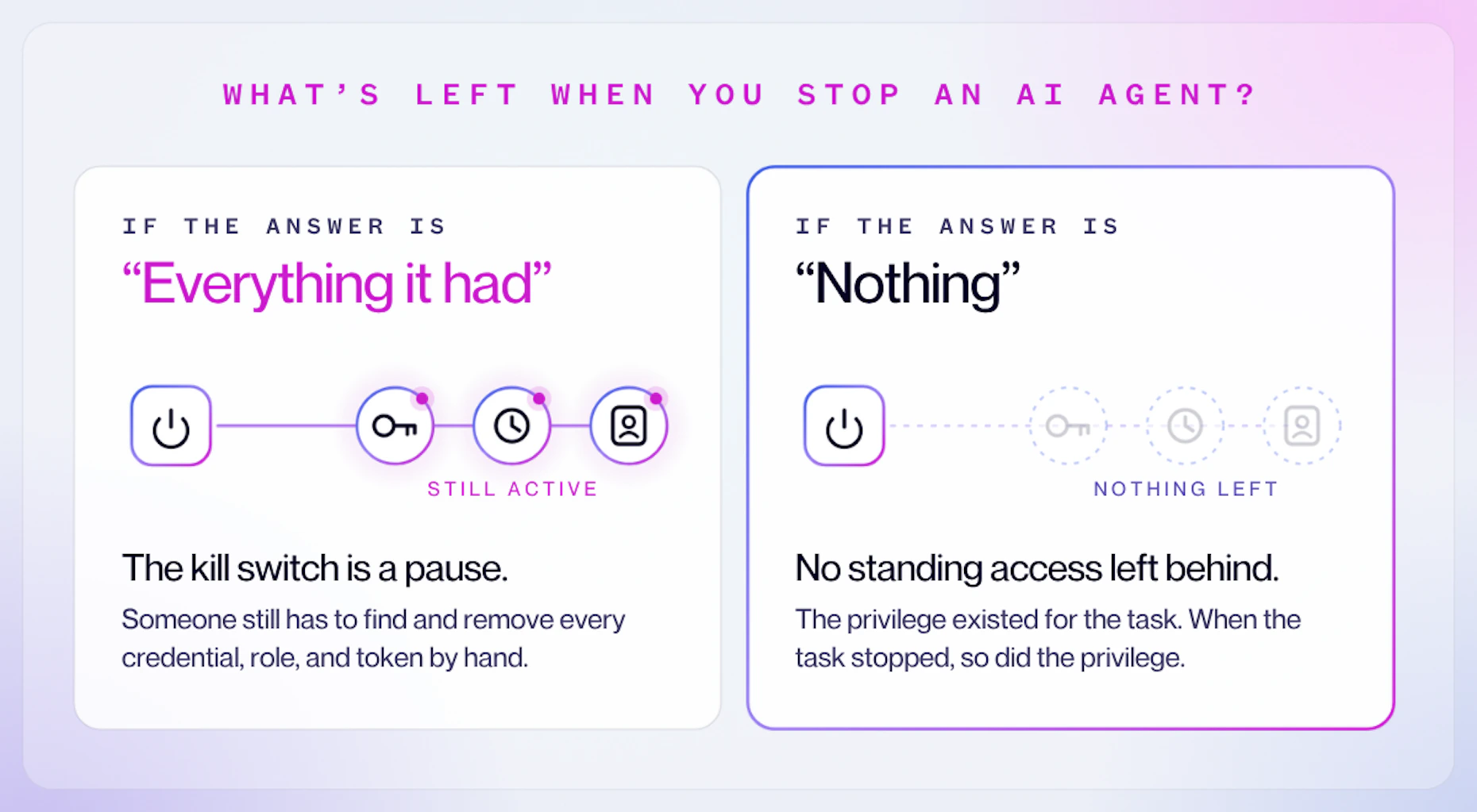
If the answer is "everything it had," the kill switch is a pause. Someone still has to find every credential, role, and token the agent held, across every system it touched, and remove them by hand while the incident is live.
If the answer is "nothing," the agent never held standing access in the first place. Its privilege existed for the task, and when the task stopped, so did the privilege.
The same question works for every identity, not just agents. Ask it about your service accounts and your administrators too. In many environments, the answer is the same for all three: the access stays. It’s the same test we apply to AI agent governance frameworks.
Three Controls that Put an AI Agent in a Safe State
A kill switch is one control. A safe state for an AI agent takes three.
1. Stop the action before it runs. The best time to stop a harmful action is before it happens. That means deciding each action as the agent takes it, with default deny, and requiring a person's approval for actions that are hard to reverse, such as deleting data, changing production configuration, or moving money.
2. Remove the access. Grant privilege for the task and remove it when the task ends, so an idle agent holds nothing. When a signal says something is wrong mid-task, such as a compromised credential or a risky device, revoke the active access immediately, not at the next expiry.
3. Prove what happened. Record each action, the identity that took it, and the person or process it acted for. Regulators and boards will ask for that record, and incident responders need it within minutes.
These controls line up with what lawmakers are asking for. The Stop Rogue AI Act's requirements read like this list: know which agents exist, verify who built and operate each one, monitor what it does, and be able to allow, deny, or revoke its access and actions. The EU AI Act asks for a halt "in a safe state." For an agent, a safe state includes no privileged access left behind.
Where to Start: Five Steps for Security Teams
- Run a drill. Pick one agent in production. Stop it, then list every credential, role, and token it still holds. That list is your real exposure.
- Keep the stop out of the agent's reach. Palisade Research has found in controlled tests that some frontier models interfere with shutdown mechanisms they can access. The control that stops an agent, and the control that removes its access, should sit outside the agent, where it can't edit them.
- Let your existing tools trigger revocation. Your identity provider and security tools already detect compromised credentials and risky sessions. Connect those signals to the system that grants access, so revocation happens automatically.
- Put approvals on irreversible actions. Not every tool call needs a person. The ones that can't be undone do.
- Ask the question of every identity. Start with AI agents, then service accounts, then people.
How Britive Removes What a Kill Switch Leaves Behind
Britive applies the same access model to agentic AI, non-human, and human identities: no standing privilege between tasks. Britive ARC™ extends that model to AI agents. An agent holds privilege only for the task in front of it, and Britive removes it when the task ends. When your identity provider or security tools send a CAEP or RISC signal, Britive can revoke active access mid-task. Where Britive sits in the connection path to a resource, privileged sessions can be watched, locked, or disconnected live, and commands can be blocked before they reach the source. Sensitive tool calls are blocked until a person approves them, and every call is recorded with the identity behind it.
That doesn't replace a kill switch. It changes what's left when you use one.
A stop button is the last resort. It's better to build an architecture where an agent that holds no standing access to leave behind.



Britive Team
View All PostsView All Posts